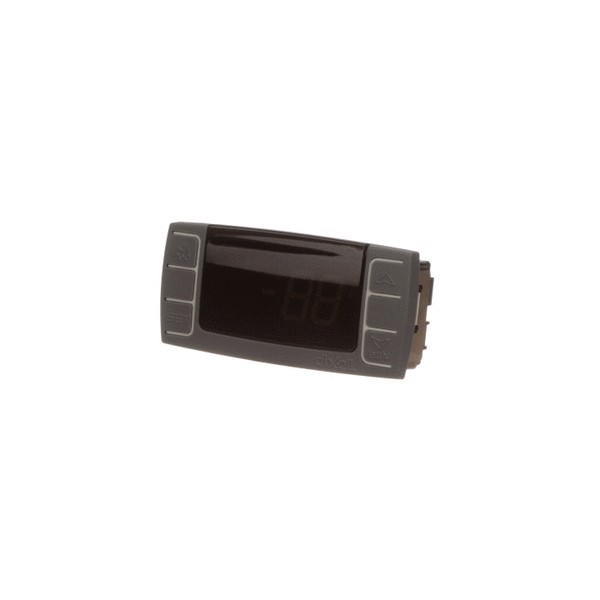

Atosa W0302024 Refrigerator Digital Display Controller
Specifications:
- Type: Digital Display Controller
Description
Step1: Unplug the refrigerator to prevent electric shock.
Step2: Remove the existing controller from the control panel.
Step3: Install the new controller in the same position.
Step4: Reconnect all wires following the original layout.
Step5: Check connections for safety.
Step6: Plug in and test the temperature display and operation.
-
What maintenance is required for the Atosa W0302024 Display Digital Controller?
Regularly clean the display with a soft, damp cloth to remove dust and spills. Check wiring connections for signs of wear or corrosion. Verify sensor and temperature readings periodically to ensure accurate operation. Proper control maintains efficient performance and accurate refrigeration.
-
What are the common issues with the Atosa W0302024 Display Digital Controller?
- Display failing to power on or flickering.
- Incorrect or unstable temperature readings.
- Unresponsive buttons or touch controls.
- Communication errors between sensors and controller.
- Loose or damaged wiring affecting operation.
Customer Reviews
Write a Review
-
Fits Perfectly
Installed the new controller, fixed all panel issues immediately.
We strive to provide our customers with a hassle-free and efficient shopping experience. Our shipping policy ensures the timely delivery of your orders and complete customer satisfaction. View More
We are committed to ensuring your complete satisfaction with every purchase. We understand that circumstances may arise where you must return a product or request a refund. If for any reason you are not satisfied, you may return the item(s) according to the terms outlined below. View More
This Payment Policy outlines the terms and conditions governing all payments made for products purchased through our website. By making a purchase, you agree to be bound by this Payment Policy. View More