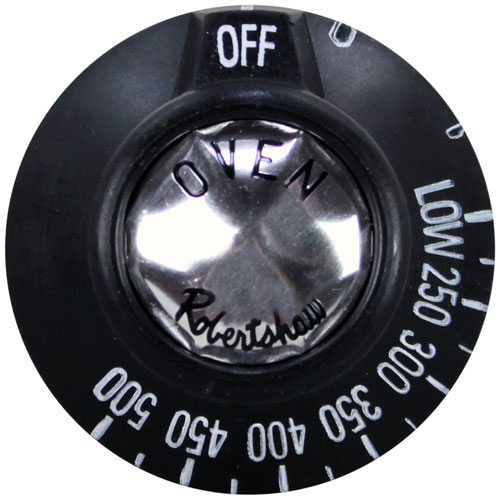
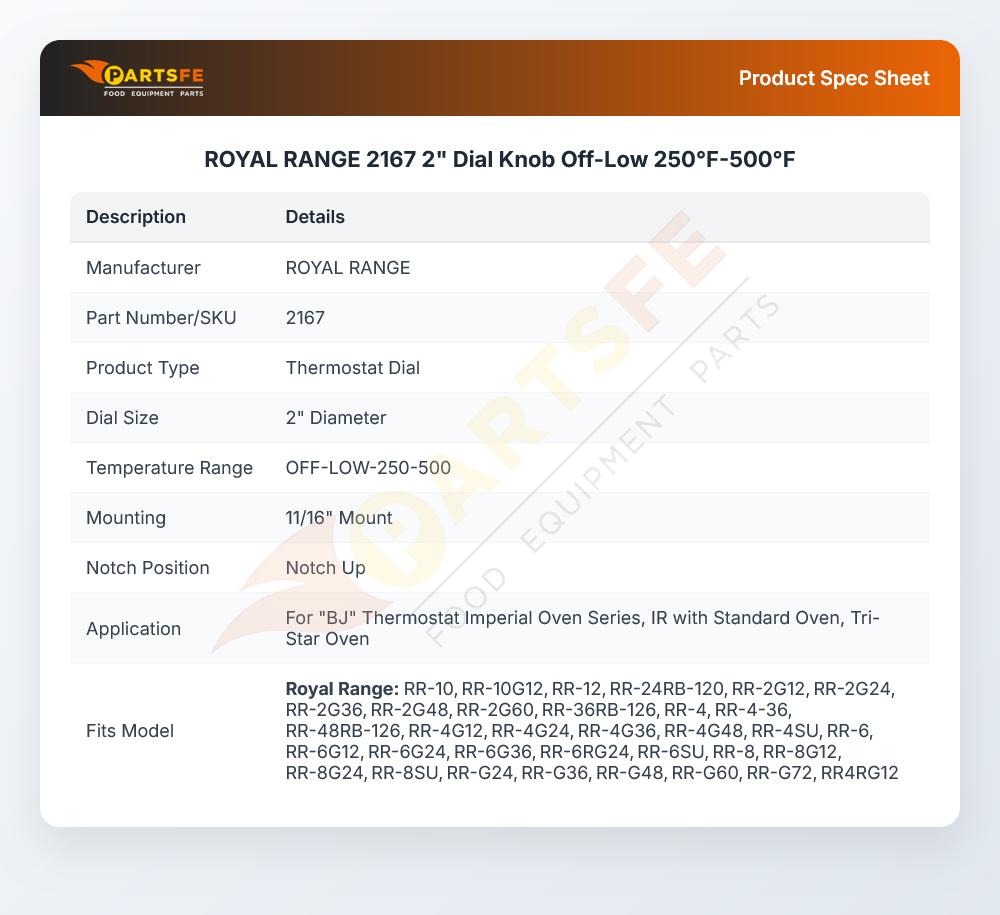

ROYAL RANGE 2167 2" Dial Knob Off-Low 250°F-500°F
Specifications:
- Qven Knob
- [ 2" Dia ] [ Off-Low-250-500] [Mount 11/16"]
- [ Notch Up ] , 1-3/16" Protrusion On Back Of Knob.
- For "Bj" T'Stat
- Imperial Oven Series: Ir W/Standard Oven.
- Tri-Star Oven
Description
Dimensions:
- Weight: 0.1 lbs
- Length: 2 in
- Height: 2.5 in
- Width: 2 in
Step1: Turn off the gas supply and ensure the unit is completely cool.
Step2: Remove the old dial by pulling it straight off the valve stem.
Step3: Align the new dial internal slot with the valve stem.
Step4: Push the dial firmly into place until secure.
Step5: Test rotation settings.
Step6: Restore gas supply and check for proper operation.
-
What maintenance is required for the ROYAL RANGE 2167 Dial?
Inspect the dial regularly for loose mounting, faded temperature markings that may affect accurate adjustments. Clean the dial gently with a damp cloth to remove grease and residue buildup around the control shaft.
-
What are common issues with the ROYAL RANGE 2167 Dial?
- Worn or faded temperature markings reducing readability.
- Loose fit on the thermostat shaft causing inaccurate settings.
- Cracked dial from repeated heat exposure.
- Dial sticking or slipping during temperature adjustments.
Customer Reviews
No reviews yet. Be the first to write one!
Write a Review
We strive to provide our customers with a hassle-free and efficient shopping experience. Our shipping policy ensures the timely delivery of your orders and complete customer satisfaction. View More
We are committed to ensuring your complete satisfaction with every purchase. We understand that circumstances may arise where you must return a product or request a refund. If for any reason you are not satisfied, you may return the item(s) according to the terms outlined below. View More
This Payment Policy outlines the terms and conditions governing all payments made for products purchased through our website. By making a purchase, you agree to be bound by this Payment Policy. View More