

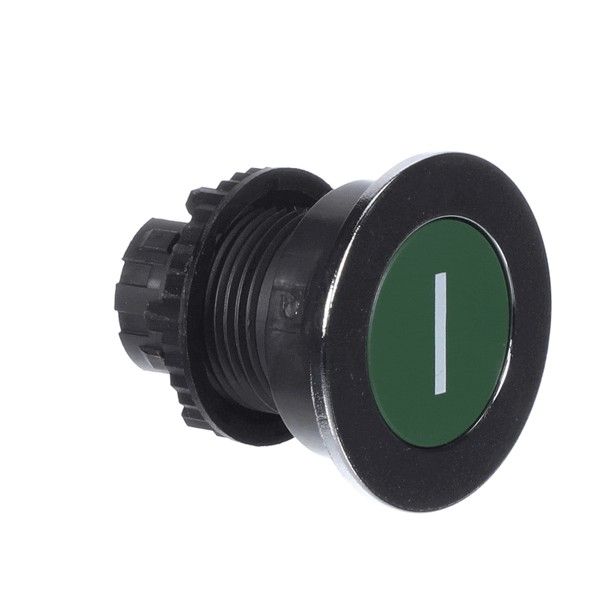
Robot Coupe 502170S On Button Green
$56.25
In stock
SKU
502170S
Manufacturer:

The Robot Coupe 502170S On Button Green is pressed to start the machine, and it triggers the start-up process of the compatible food processing equipment. It works as an essential control element, which enables the power to pass to the unit to be used immediately. This button is designed in a unique green color that can be easily identified, and it is usually installed on the control panel of the appliance, so that it is easily accessible to the operators.
Dimensions
- Length: 2.5 In
- Width: 1.5 In
- Height: 1.5 In
- Weight: 0.04 lbs
Product Notes
- Robot Coupe Cl-(50, 60)