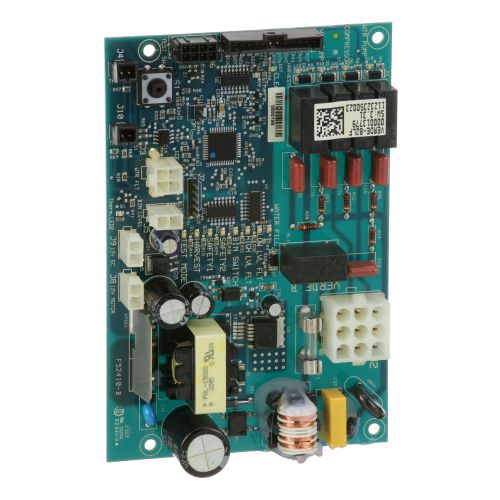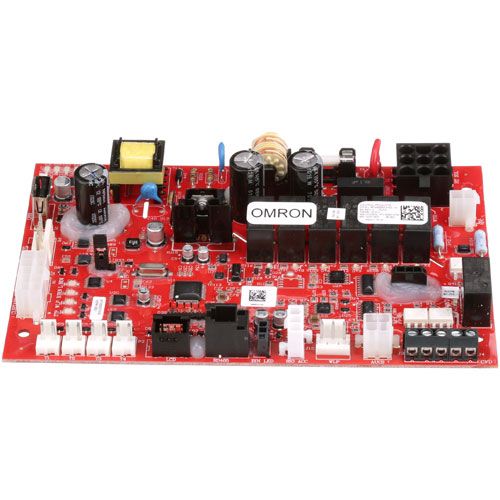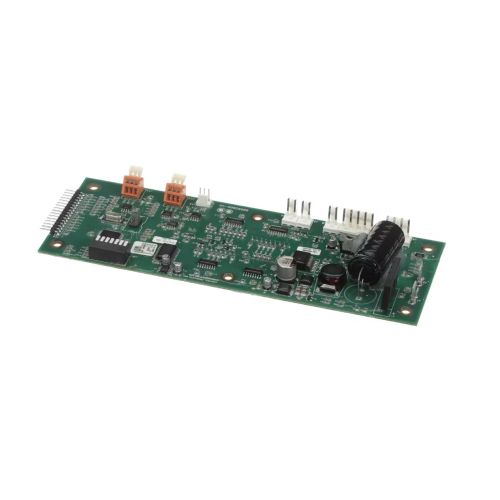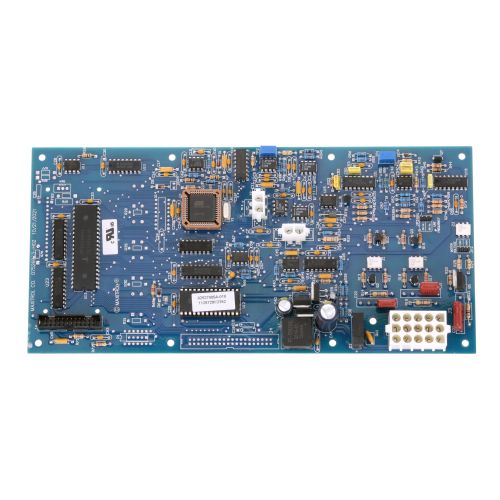

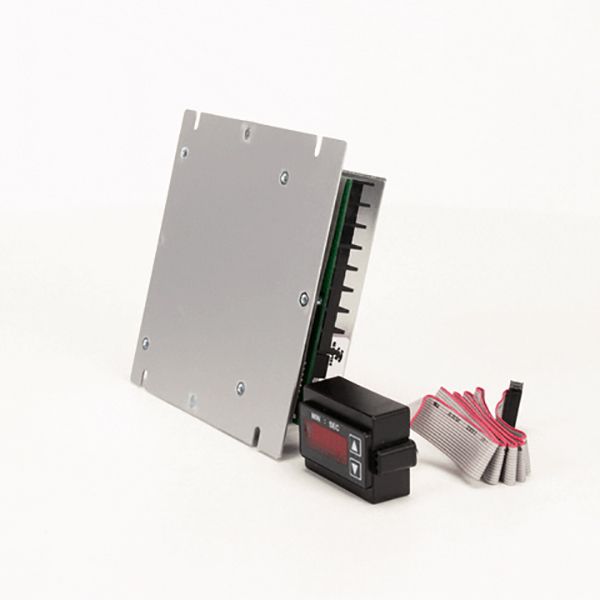
Middleby Marshall 64149 Oven Speed Control Board W/Digital Display

Special Price $674.05 Regular Price $938.95
In stock
SKU
64149
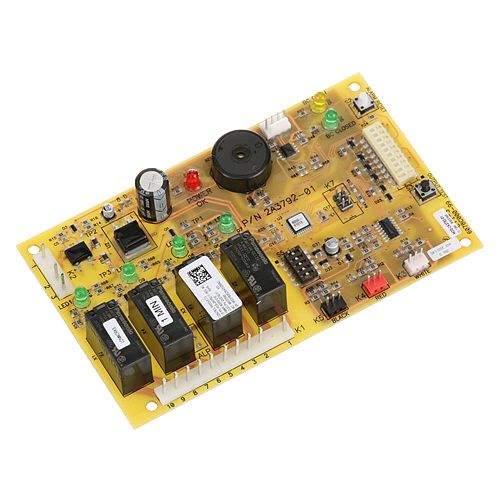
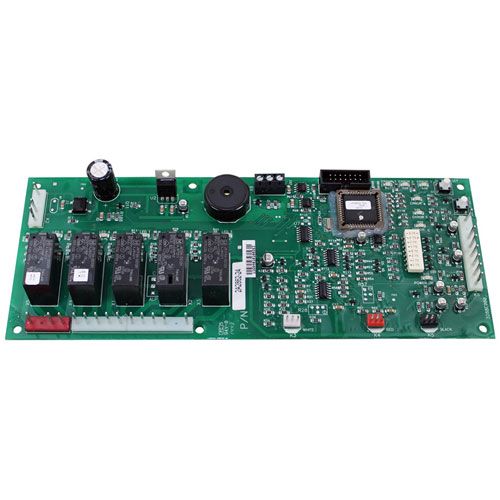
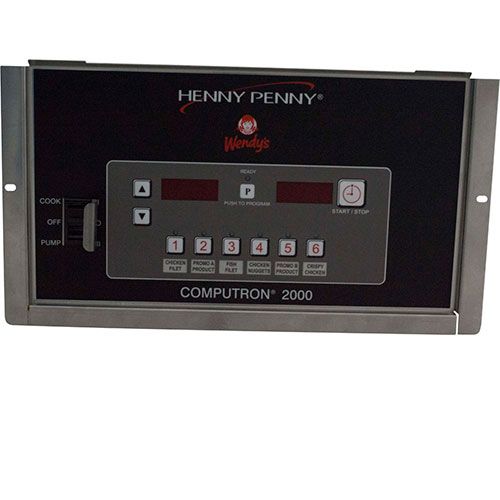
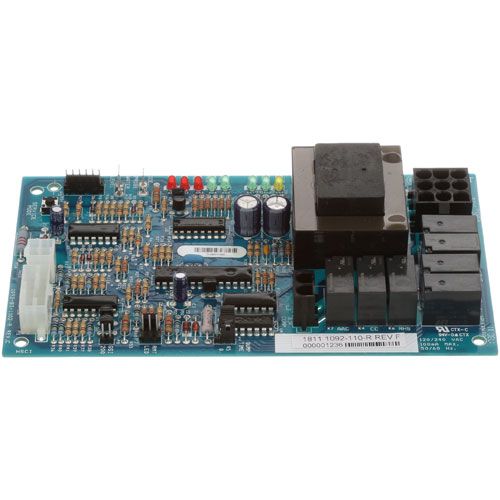
The Middleby Marshall 64149 Oven Speed Control Board is a digital display that controls the speed of the commercial conveyor cooking appliance and is integrated with a digital display to adjust the conveyor speed accurately. It is used in foodservice processes where the cooking time is constant, and operators can set and measure the belt movement during continuous production. The board is installed in the control compartment of the oven and it operates with motors, sensors and heating elements to ensure the correct timing.

Dimensions

  • Length: 7 In
  • Width: 5.5 In
  • Height: 2 In
  • Weight: 1.08 lbs
https://partsfe.com/media/catalog/product/m/i/middleby-marshall-64149-oven-speed-control-board-w-remote-digital-display-5-3-8-x-5-1-2-10233-2.jpg

Product Notes

  • Speed Control Board, 5-3/8" X 5-1/2" National Controls With
  • Remote Min/Sec Lcd Digital Display &, 30" Ribbon Cable,
  • For Digital Display Only Use # 44-1518
  • Middleby Marshall Be2136, Be3240, Bg2136,
  • Ps224-R68, Ps520E, Ps520G, Ps536Gs, Ps540E, Ps540G, Ps555,
  • Ps570G, S1820
Write Your Own Review
You're reviewing:Middleby Marshall 64149 Oven Speed Control Board W/Digital Display
Your Rating
Customer Questions
What maintenance is required for the Middleby Marshall 64149 Control Board?

Check for loose or burnt connections and clean dust from the board. Ensure the oven fan and motors respond correctly while the power is off during inspection.

What are common issues with the Middleby Marshall 64149 Control Board?

  • Fan speed inconsistent or unresponsive.
  • Burnt traces or terminals on the board.
  • Overheating of components.
  • Electrical shorts affecting oven performance.

We strive to provide our customers with a hassle-free and efficient shopping experience. Our shipping policy ensures the timely delivery of your orders and complete customer satisfaction. View More

We are committed to ensuring your complete satisfaction with every purchase. We understand that circumstances may arise where you must return a product or request a refund. If for any reason you are not satisfied, you may return the item(s) according to the terms outlined below. View More

This Payment Policy outlines the terms and conditions governing all payments made for products purchased through our website. By making a purchase, you agree to be bound by this Payment Policy. View More

Installation Steps

Step1: Turn off power to the oven at the circuit breaker.

Step2: Remove the access panel to locate the existing speed control board.

Step3: Disconnect all wiring and mounting screws from the old board.

Step4: Install the new control board in the same position and secure it.

Step5: Reconnect all wires according to labels or the wiring diagram.

Step6: Replace the access panel and restore power.

Step7: Test the oven for proper speed control and follow safety precautions when handling electrical components.