
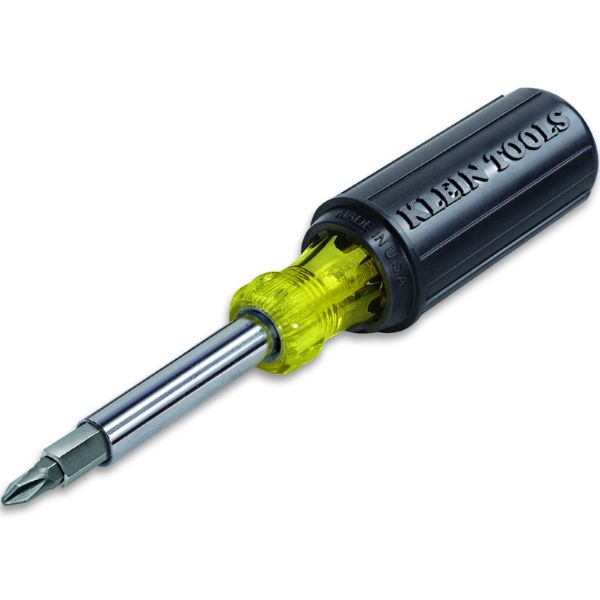
Klein Tools 32500 Screw/Nut Driver 11-In-1
Special Price $0.28 Regular Price $0.32
In stock
SKU
32500
Manufacturer:

Screw/Nut Driver 11-In-1
Dimensions
- Length: 1 In
- Width: 1 In
- Height: 1 In
- Weight: 1 lbs

We strive to provide our customers with a hassle-free and efficient shopping experience. Our shipping policy ensures the timely delivery of your orders and complete customer satisfaction. View More
We are committed to ensuring your complete satisfaction with every purchase. We understand that circumstances may arise where you must return a product or request a refund. If for any reason you are not satisfied, you may return the item(s) according to the terms outlined below. View More
This Payment Policy outlines the terms and conditions governing all payments made for products purchased through our website. By making a purchase, you agree to be bound by this Payment Policy. View More
Step1: Select the correct bit for the screw or nut type.
Step2: Insert the bit into the driver handle securely.
Step3: Align the driver with the fastener head, applying firm pressure.
Step4: Turn the driver clockwise to tighten or counterclockwise to loosen.
Step5: Store the driver safely after use and avoid contact with live electrical circuits.