
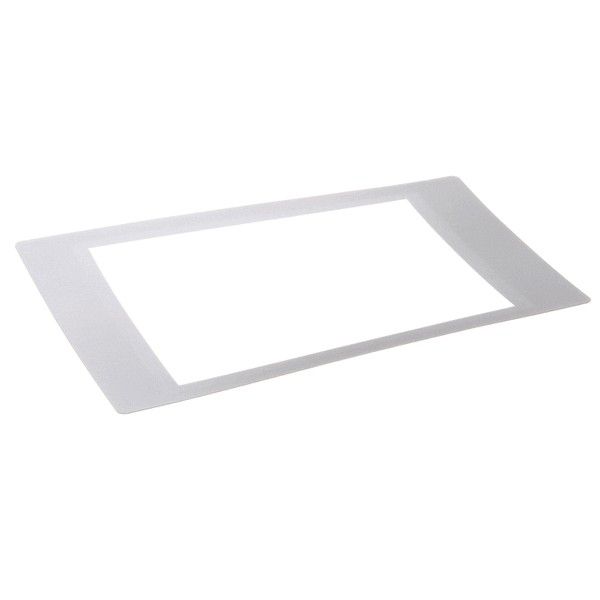
Merrychef DR0011 Touchscreen Overlay
Special Price $49.67 Regular Price $53.95
In stock
SKU
DR0011
Manufacturer:

Touchscreen Overlay
Dimensions
- Length: 1 In
- Width: 1 In
- Height: 1 In
- Weight: 0 lbs

We strive to provide our customers with a hassle-free and efficient shopping experience. Our shipping policy ensures the timely delivery of your orders and complete customer satisfaction. View More
We are committed to ensuring your complete satisfaction with every purchase. We understand that circumstances may arise where you must return a product or request a refund. If for any reason you are not satisfied, you may return the item(s) according to the terms outlined below. View More
This Payment Policy outlines the terms and conditions governing all payments made for products purchased through our website. By making a purchase, you agree to be bound by this Payment Policy. View More
Step1: Power off and unplug unit; allow to discharge to avoid electrical shock.
Step2: Clean display surface with lint-free cloth and approved screen cleaner.
Step3: Carefully remove existing new overlay, avoiding damage to connectors.
Step4: Align new overlay precisely with screen edges and connectors.
Step5: Press firmly to secure adhesive or reconnect interface cable.
Step6: Restore power and test touchscreen responsiveness; recalibrate if needed.
Step7: Use ESD precautions to protect internal components.