

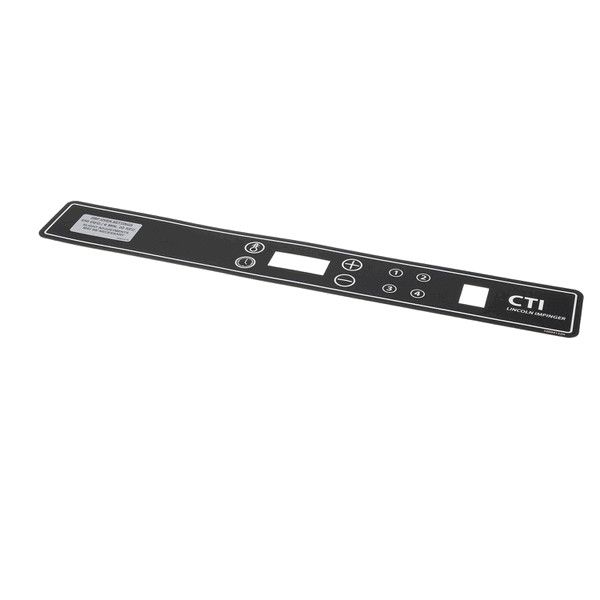
Lincoln 371108 Impinger Oven DCTI Membrane Switch Buttons
Special Price $759.64 Regular Price $1,034.95
In stock
SKU
371108
Manufacturer:

The Lincoln 371108 Impinger Oven DCTI Membrane Switch Buttons are used to pass user input by detecting the pressure on the sealed touch points and converting it into electrical signals to control the appliance operations. The presses are used to send commands to the control system to control settings like time and temperature. The component was built in the form of a flat assembly to combine several switch points in one overlay to enable uniform input recognition. It is programmed to connect with the electronic control board of the oven via a ribbon or lead.
Dimensions
- Weight: 0 lbs
Product Notes
- Type: Membrane Switch Buttons