
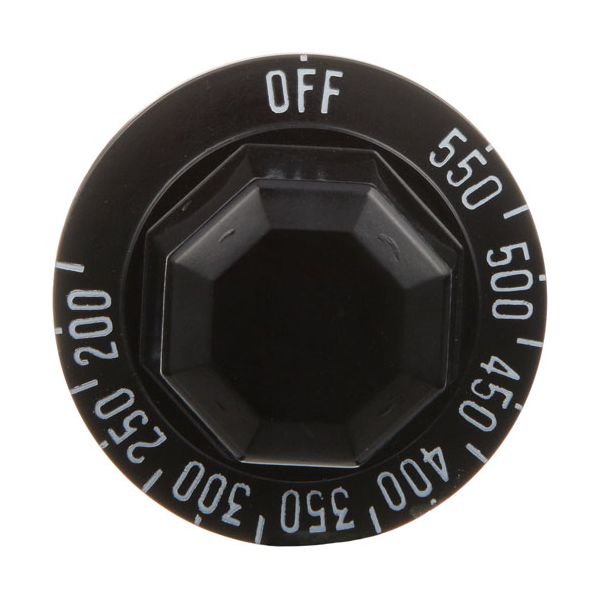
Bakers Pride S1055A Thermostat Knob OFF-200-550°F
Special Price $20.97 Regular Price $33.28
In stock
SKU
S1055A
Manufacturer:

The Bakers Pride S1055A Thermostat Knob enables one to control the temperature by turning the knob to the preferred position, which is between 0 to 550°F. It controls the heating component to sustain the chosen temperature of baking or cooking activities. The dial is mounted on the oven control panel, which makes it easy to adjust. Its easy indications and easy rotation allow it to be easy to adjust temperature settings with recipes. The dial can be fitted to commercial ovens, without requiring extra equipment or complex processes for operators to control oven temperature.
Dimensions
- Length: 2 In
- Width: 2 In
- Height: 1 In
- Weight: 0.03 lbs
Product Notes
- 2" Dia, Black, 3/16" D-Stem Flat Down
- Jade